
Recognize the question
The assistant sees topic, urgency, customer type, and desired next step.
AI assistant for inbox and customer questions
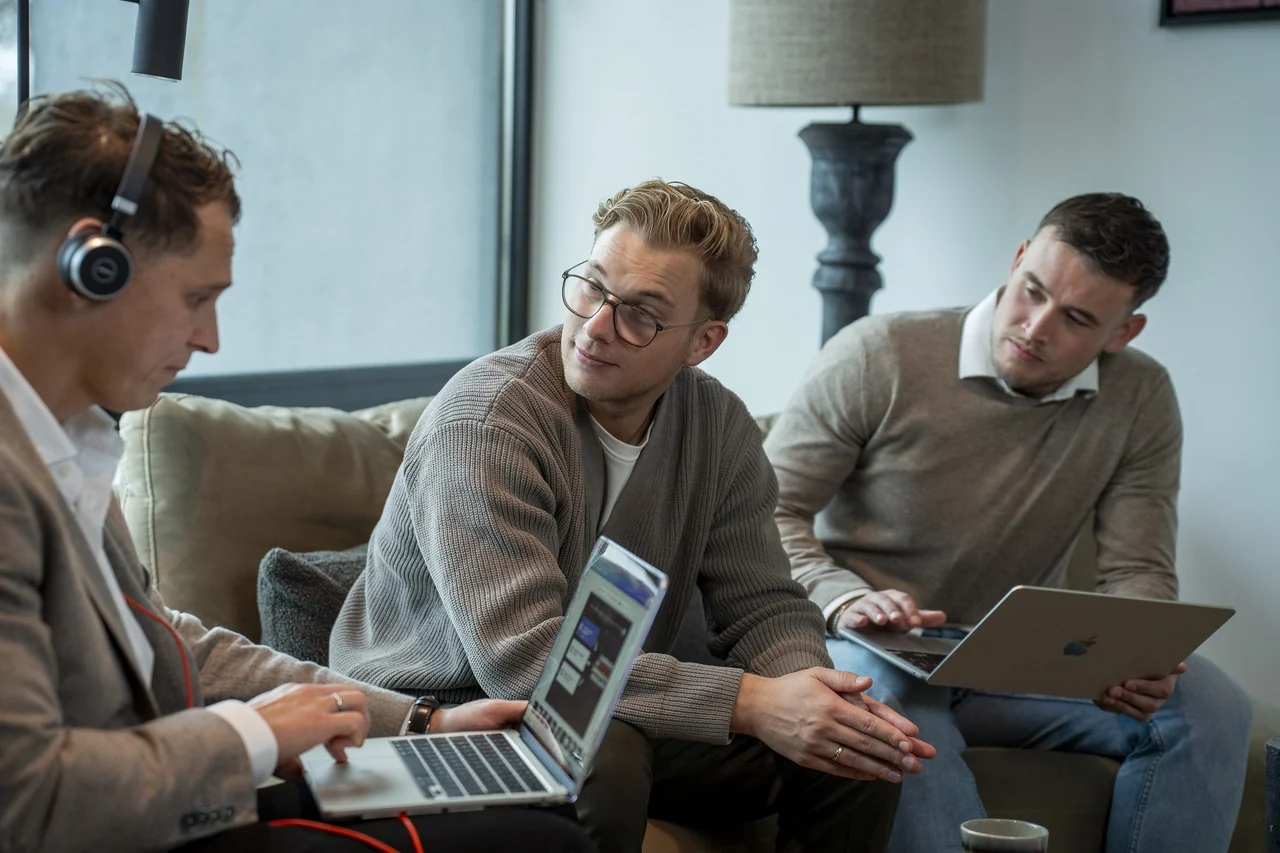
An AI assistant that reads customer questions, emails, and tickets, summarizes them, and turns them into actions. Your team sees faster what is urgent, what is missing, and who should respond.
FIRST PILOT
Inbox automation only works if you do not lose control. The AI prepares; your team decides in case of doubt, complaint, or commercial opportunity.
Your Company OS
Your systems talk to each other: email, calendar, CRM and accounting. You replace nothing.
Recurring work runs by itself. You approve the important steps.
Your team and your AI colleagues work in the same files, with one shared memory.
TASKS YOU HAND OVER
Concrete tasks that return every week and are quick to measure.
The assistant sees topic, urgency, customer type, and desired next step.
Previous emails, attachments, customer details, and open points are brought together in one short summary.
If details are missing, the AI prepares a short follow-up question in plain language.
Frequently asked questions get a draft answer based on your knowledge and tone.
The question is prepared as a task for support, sales, administration, or operations.
Complaints, pricing agreements, and exceptions go to a human with context included.
WHY YOURCOMPANYOS
A request in your email, an appointment in WhatsApp, a figure in Excel: someone retypes it or asks about it. In Your Company OS nobody has to.
 Your Company OS
 Outlook
 Anne-Marit
 Exact
 HubSpot
 Agenda
 Tijn
 Excel
 WhatsApp
 Cyrill
 Karel
 Frits
 Henk
4-WEEK APPROACH
Together we choose the first process: recurring, well scoped and easy to measure.
Email, forms, CRM, Drive and your existing documents are connected.
Together we set the rules: what runs by itself and when it goes to a human.
You stay in control: sensitive steps ask for your approval first.
Keep reading
Quick answers to the main questions.

Peter van de Groep
Commercial contact at Your Company OS
YOUR CONTACT
Book an intake. Together we choose the first process and make clear what it delivers for you.